Thank you for attending our SmartNotebook with superstar Val Calvanezi!
Topics included: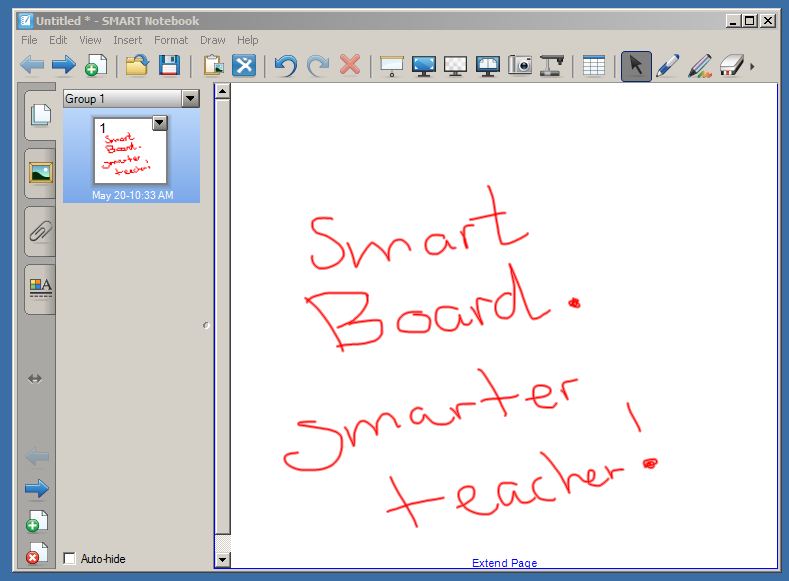
- screen captures
- SMART Exchange
- inserting videos
Here's her handout!!
Please have your blog on your learning posted by June 1 at midnight qualify for the iPads!
 QR creators
  You have all taken a Google Doc Form, and some of you have even created one, which makes this Thing really easy. If not, you can do this in as few as 10 minutes!
Student access
|
Types of questions
|
Student tracking/feedback
|
Misc.
|
|
|
|
Old phones that text
Smartphone
iPod with texting app
tablet
Web browser
|
Multiple choice
Open ended
Clickable image (upload
|
Only tracked if students provide name
in open-ended response;
Real-time feedback
|
Poll everywhere has made some sweet
upgrades, including a clickable
image poll. Set to multiple
responses per phone for sharing.
|
|
|
Smartphone with internet access
|
Multiple choice or open ended
|
Real-time feedback
No tracking for free accounts.
|
Students go to website on phone, add
ID# and respond. Embed into
PowerPoint option.
|
|
|
Smartphones with app
iPod touch with app
Web browser
Tablet with app
|
Multiple choice
Open-ended
|
You can create accounts for students
in classes, track, and store responses over time; realtime feedback to
students/teachers
|
For best results, check with Darron V.
Responses emailed in spreadsheet to
teacher
|
|
looks great for iPad students
|
Any device
|
Draw response!
T/F, multiple choice, scale, numerical,
open ended
|
Real-time feedback; view student
responses on your computer!
|
Nice if we had an iPad cart or if you
have groups with enough iDevi ces
|
|
|
Web browser
Tablets
Smartphones
|
Embed
Images, files, videos
|
You can create accounts for students
in classes, track, and store responses over time OR let students respond on the fly to a link
|
Free accounts are limit # of quizzes.
Students & teachers can see
results immediately See Kerith M. for tips and examples
|
|
Soap box also has:
a “Confusion
Barometer”;
Social Q&A enables students to submit
and vote on questions.
anonymous (or not) discussions.
Embed images, videos, urls
|
Multiple choice
|
Multiple choice/short answer;
|
Real-time feedback to quizzes
Download spreadsheet with answers.
|
Social Q&A enables students to submit
and vote on questions.
|
Google Drive Forms
Similar to Survey Monkey, this will be Thing #8, so you might want to try something else!
|
Phone with internet access, tablet,
computer
|
Multiple choice, check boxes, scale,
grid, multiple choice
Embed videos
|
Feedback is in a spreadsheet and in
graph form.
Optional for class to see all results.
|
You can now embed videos. See Darron’s blog on screencasting. Use
with Flubaroo to automatically have responses graded.
|


 Screencastomatic http://www.screencast-o-matic.com/ is wicked easy--except that you can't edit in the free version (feature breakdown on right). I recommend writing a script to limit your "takes". When done, upload it directly to YouTube or save it as a file. The first video below shows you how.


